

Windows 7 may be unable to delete some files and folder and give you following error messages while deleting:
- Cannot delete file: Access is denied.
- There has been a sharing violation.
- The source or destination file may be in use.
- The file is in use by another program or user.
- Make sure the disk is not full or write-protected and that the file is not currently in use.
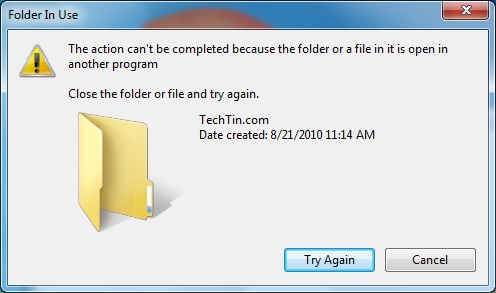
There can be many reason why windows 7 is unable to delete that file or folder.
Solution 1
Reboot Windows 7 in safe mode and try to delete that file. If windows is still unable to delete that file / folder, try second method.
Solution 2
You can use a small but very powerful free free application unlocker to delete undeletable files and folder in Windows 7.
Latest version of unlocker support Windows 2000 / XP / 2003 / Vista / Windows 7
Its available in both 32bits and 64 bits version.
Unlocker also has a portable setup which you can carry with yourself in your pendrive.
How to use unlocker to delete any file / folder
Just right click that file / folder and select unlocker.